One job, from estimate to paid invoice
Follow a pipe repair through a test workspace. Review the draft and see what the customer signs; invoicing and payment are shown as a historical test example.
We used a fictional business and customer in a test workspace. The payment shown is in Stripe test mode.
Read the video transcript
- 0:00 · Start with a photo
Describe the job in your own words.
- 0:04 · Review the AI draft
Verify pipe size and fittings.
- 0:08 · Confirm parts and labor
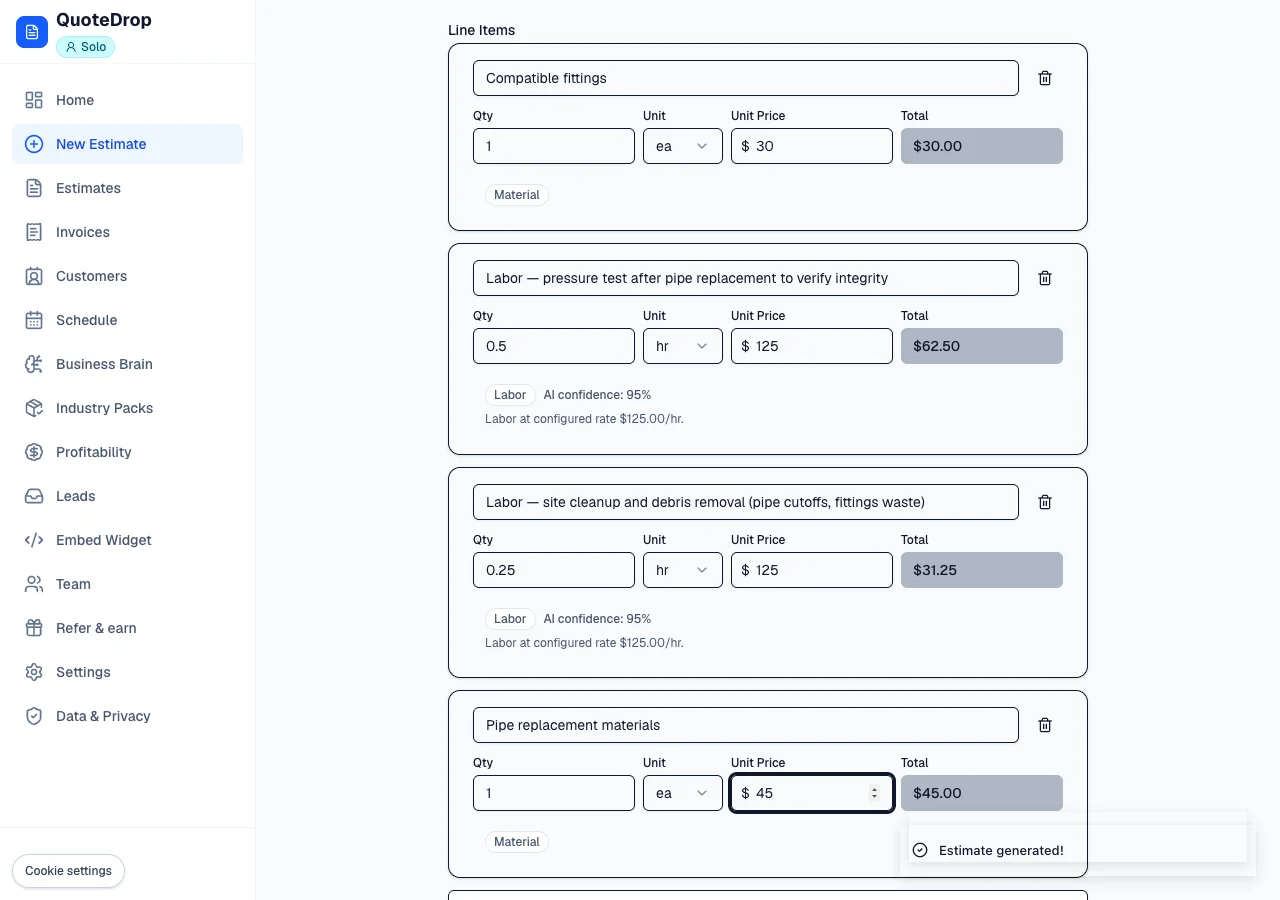
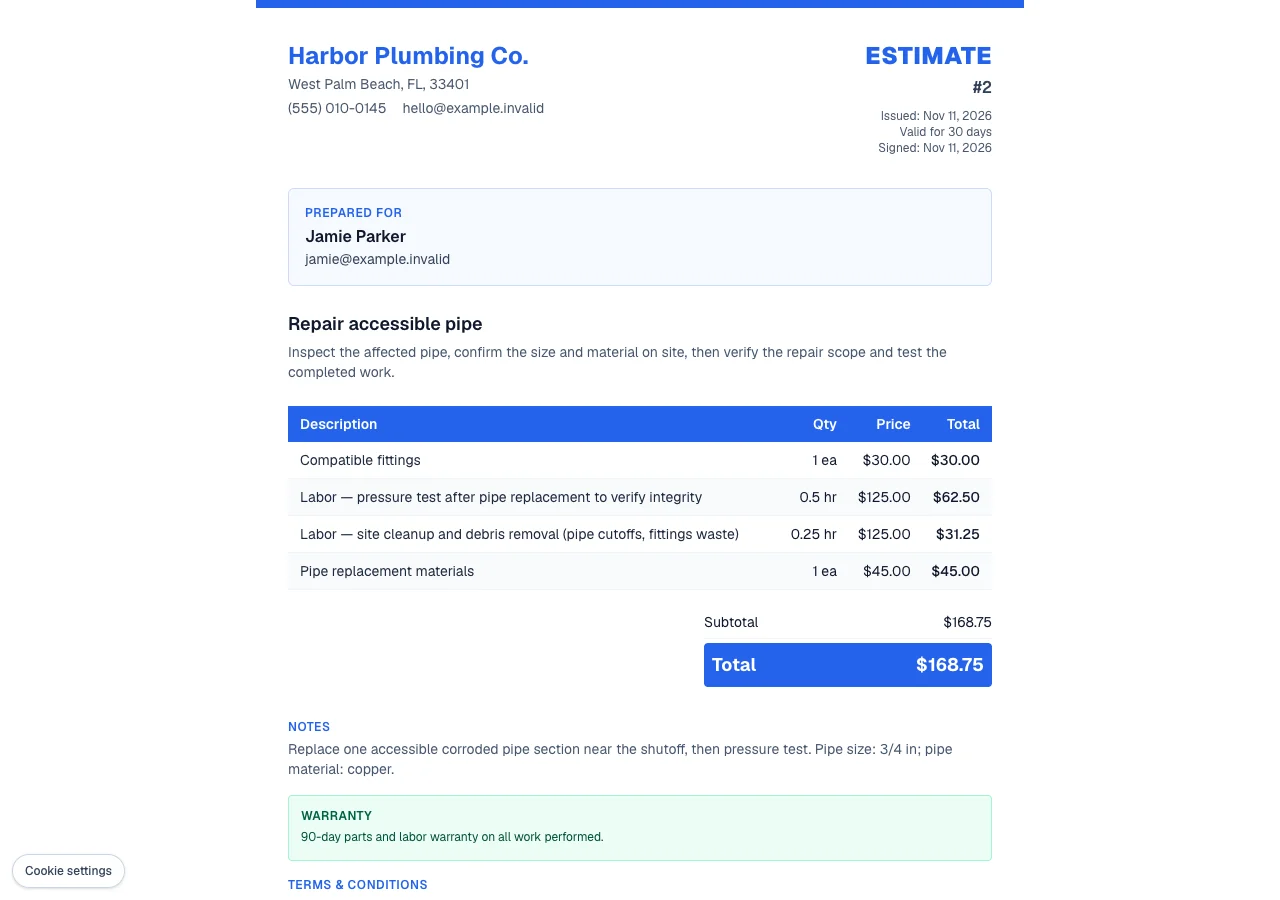
The reviewed estimate totals $168.75.
- 0:12 · Get the estimate signed
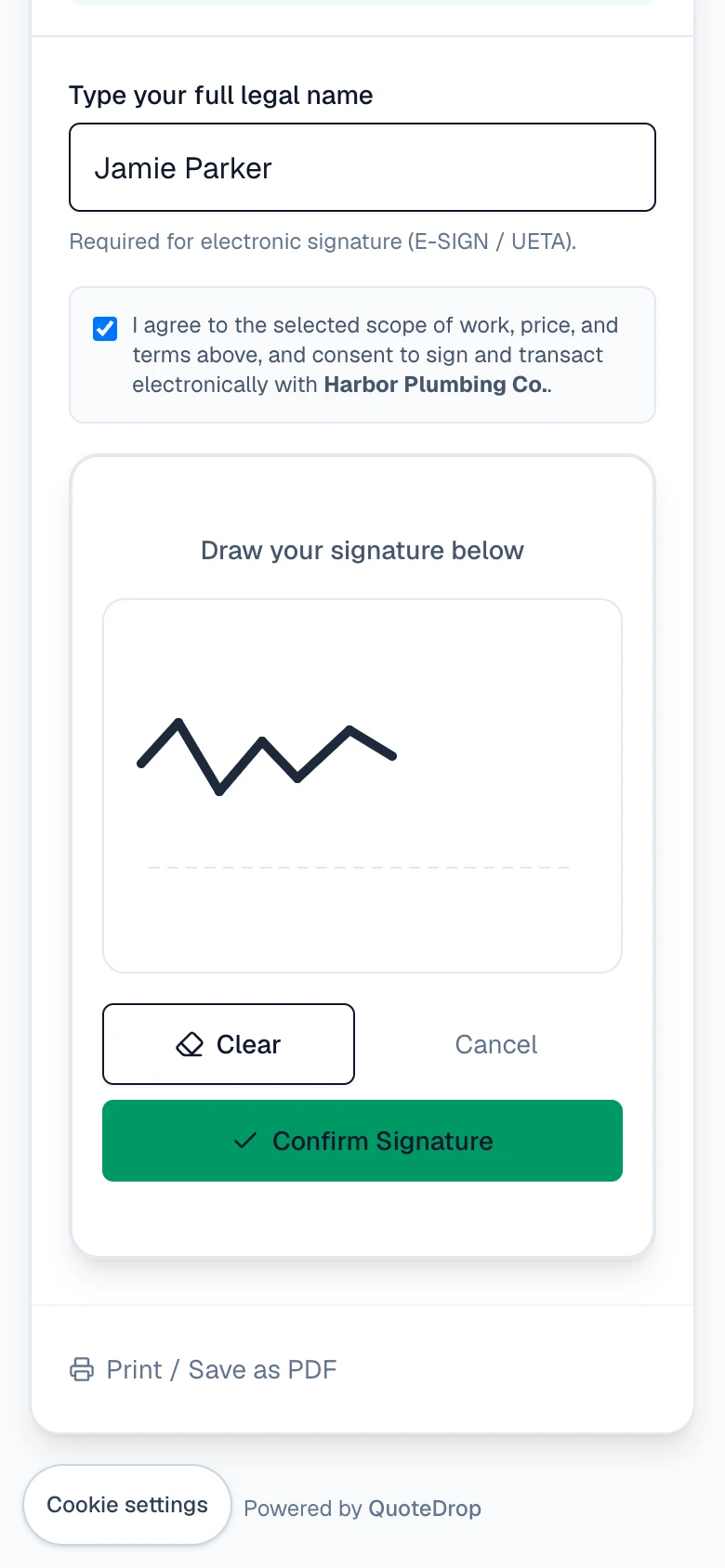
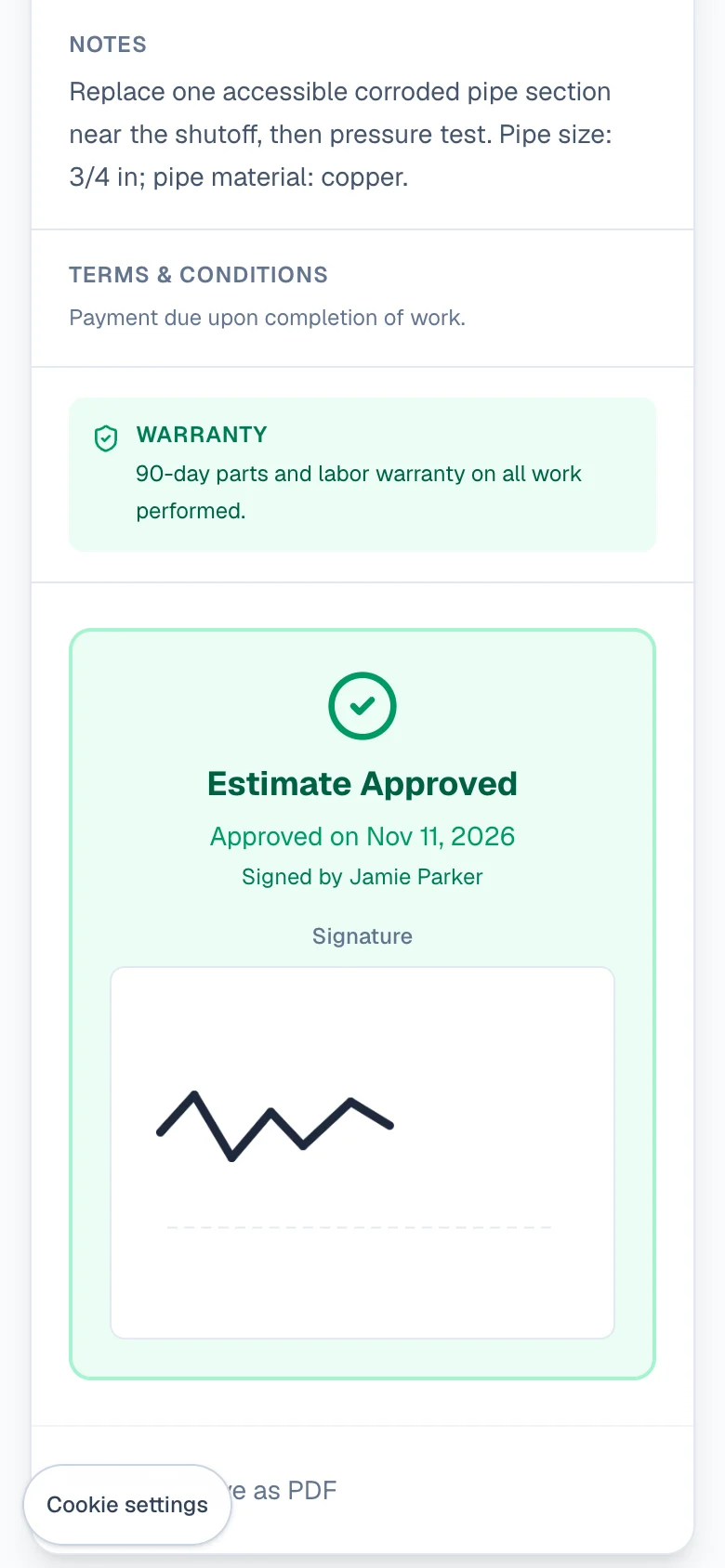
The customer signs on their phone.
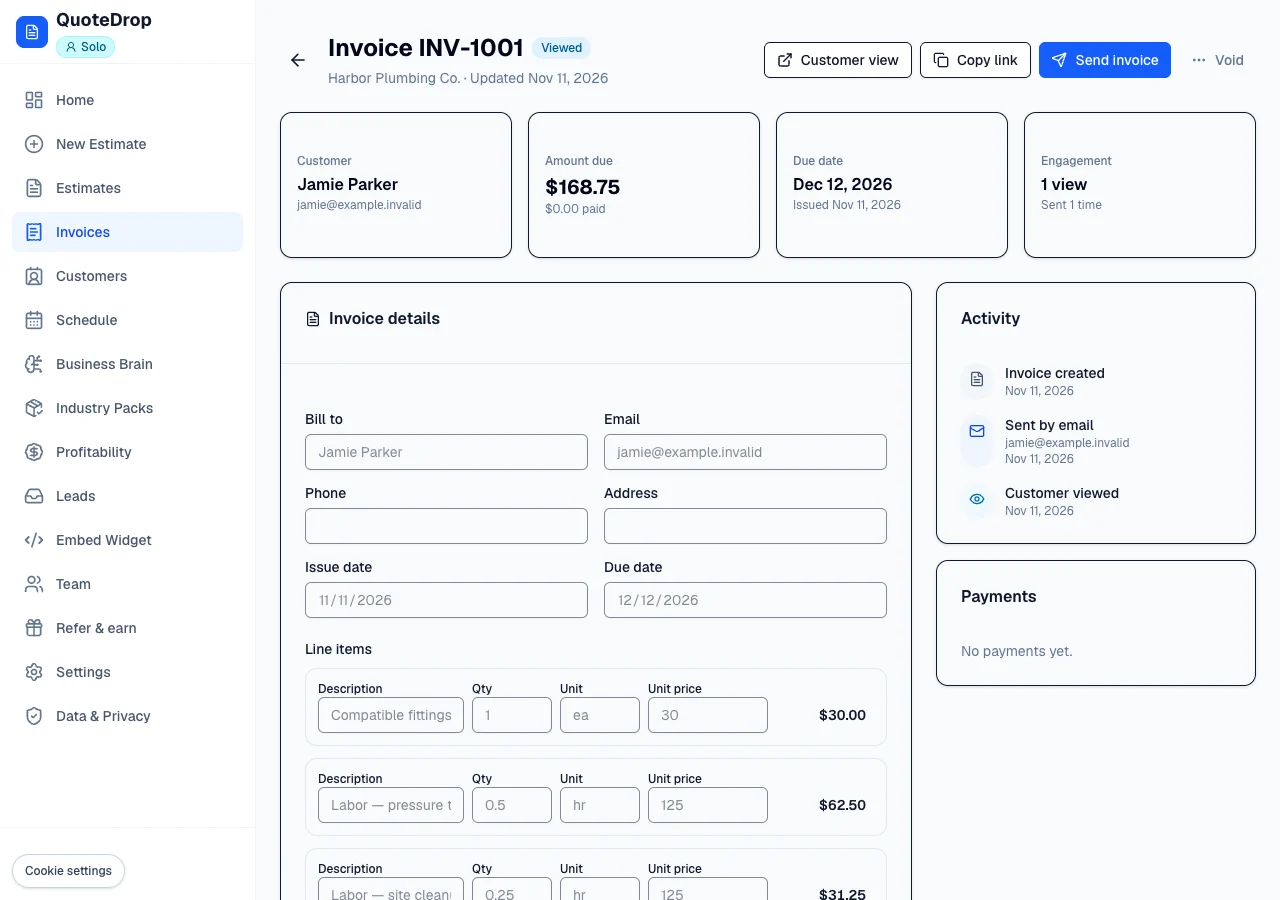
- 0:16 · Invoice the approved work
Invoice INV-1001 shows $168.75 due.
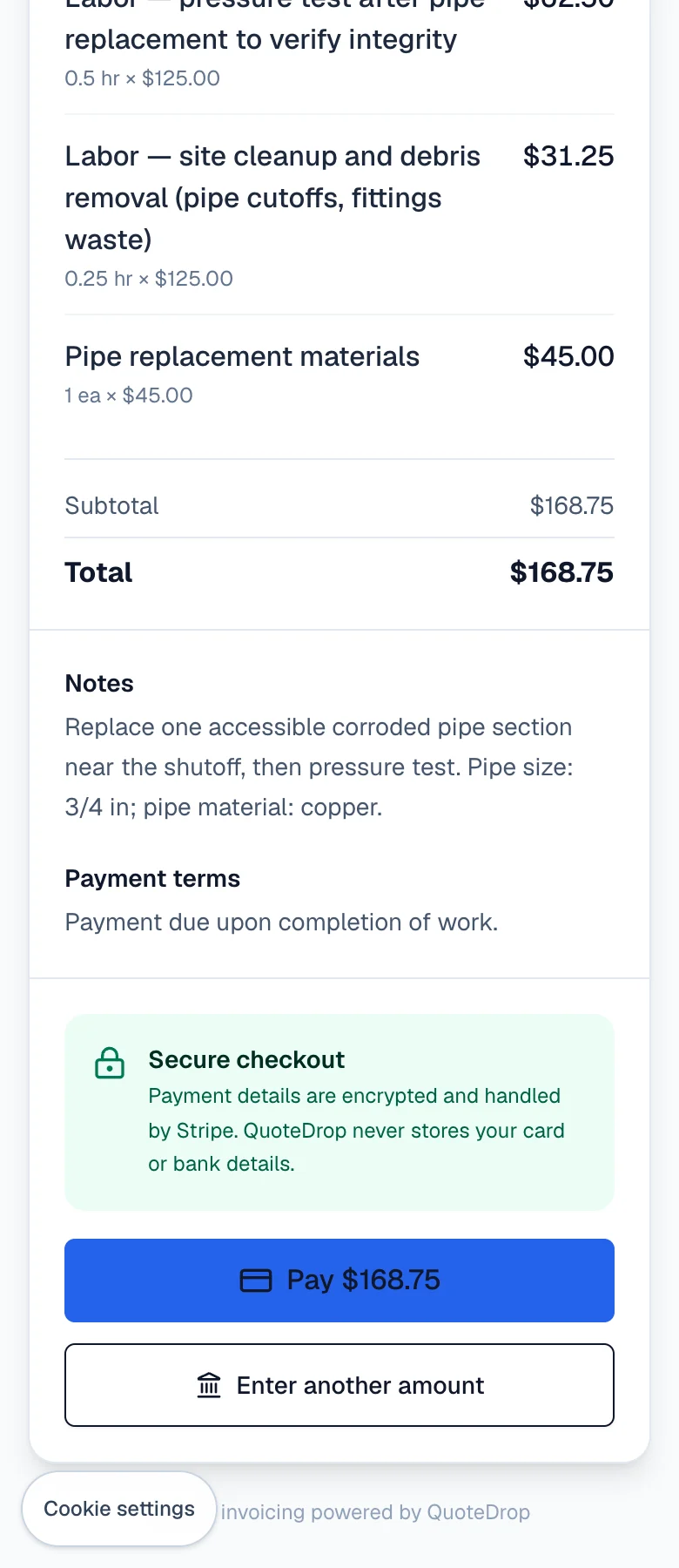
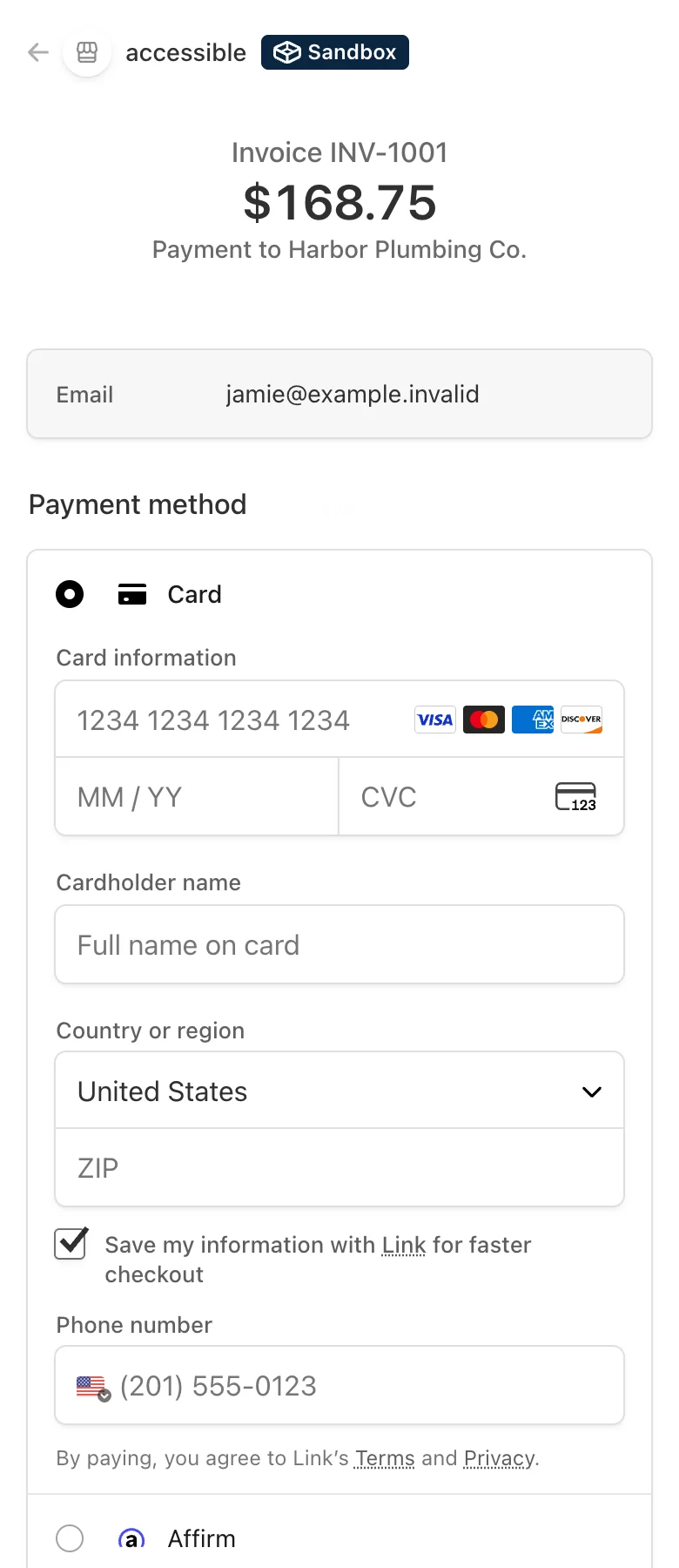
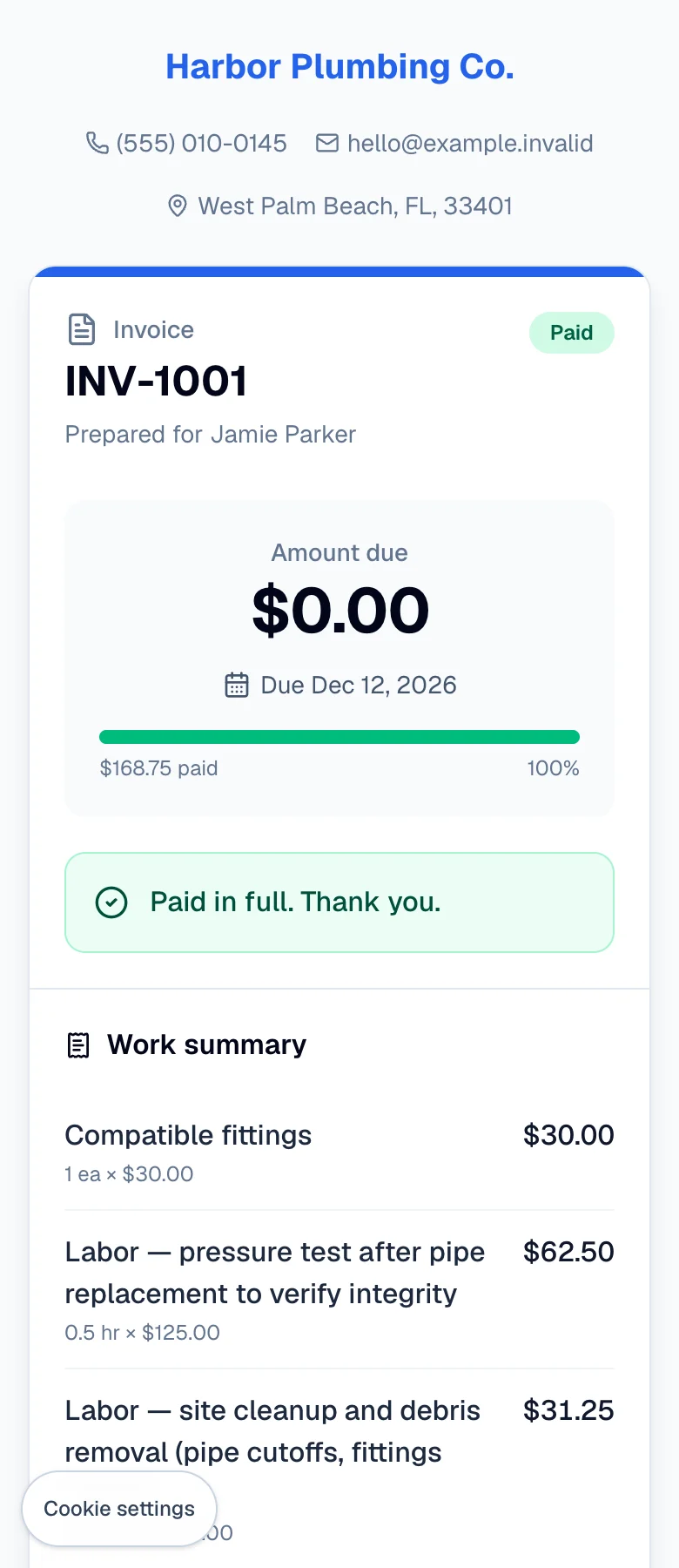
- 0:19 · See the balance update
A Stripe test payment leaves $0.00 due. Make a free estimate at jobestimate.app.
Step 1 of 8
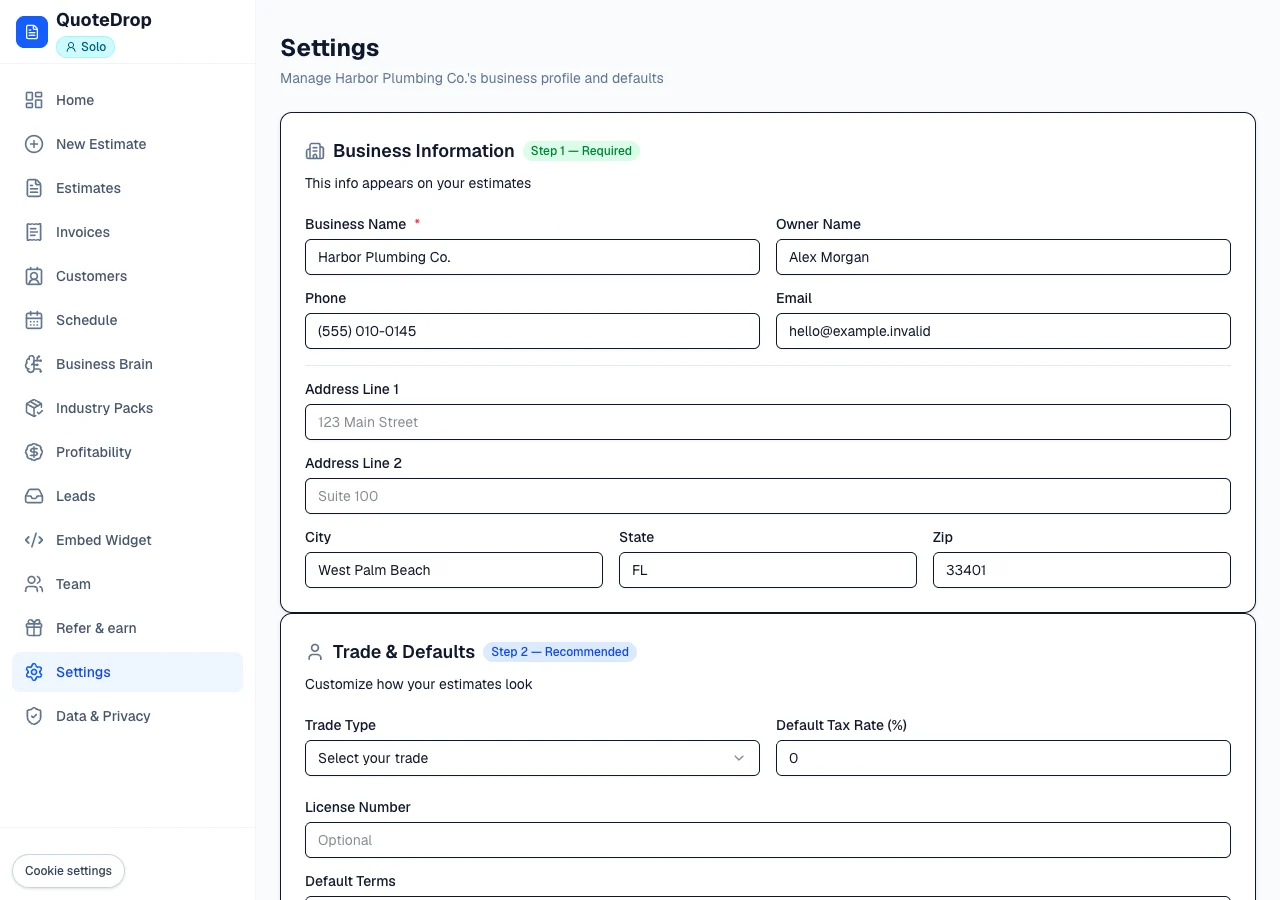
Set up your business
Add your business information and branding so your estimates and documents are ready to share.
Step 2 of 8
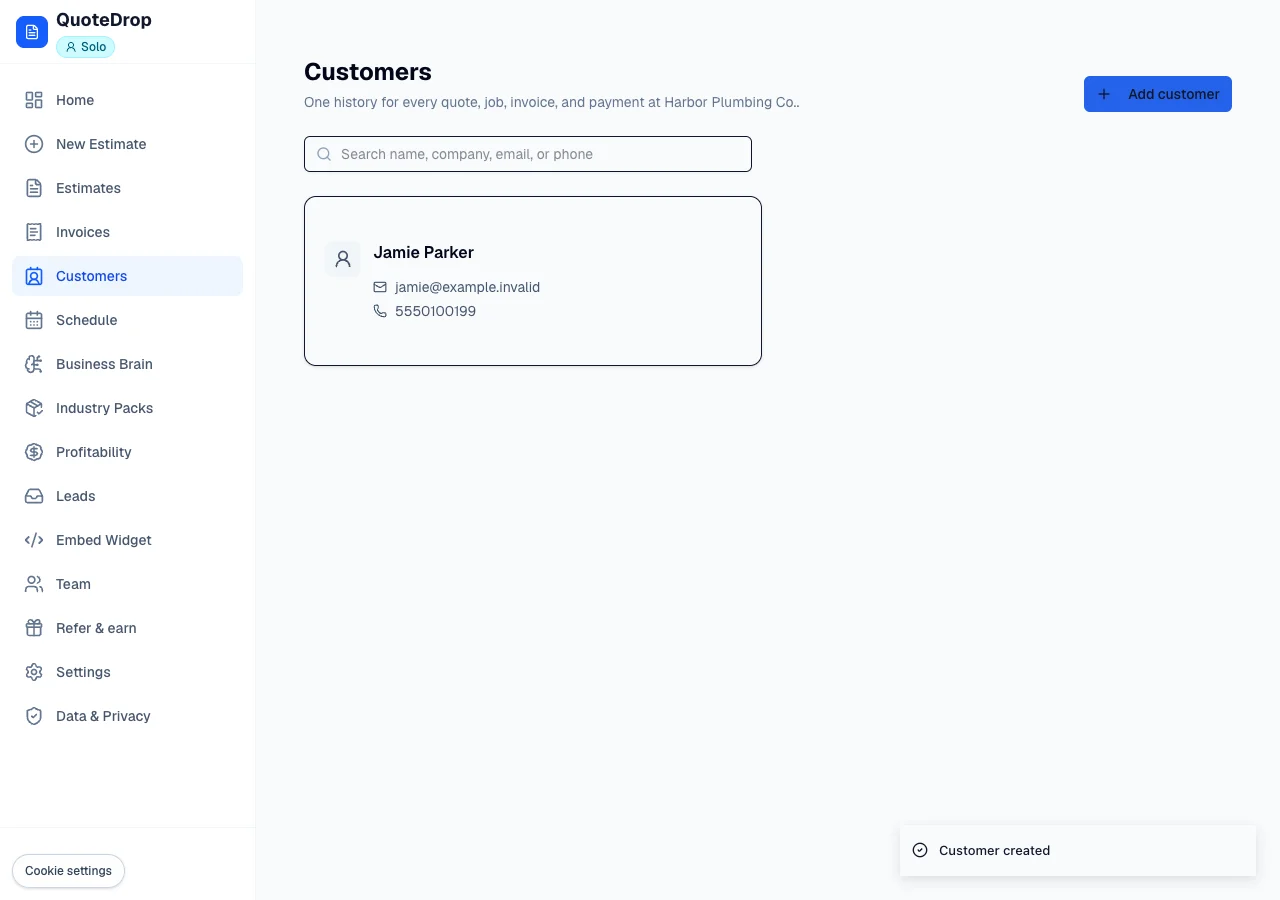
Add a customer
Create a customer record to keep the job and its documents together.
Step 3 of 8
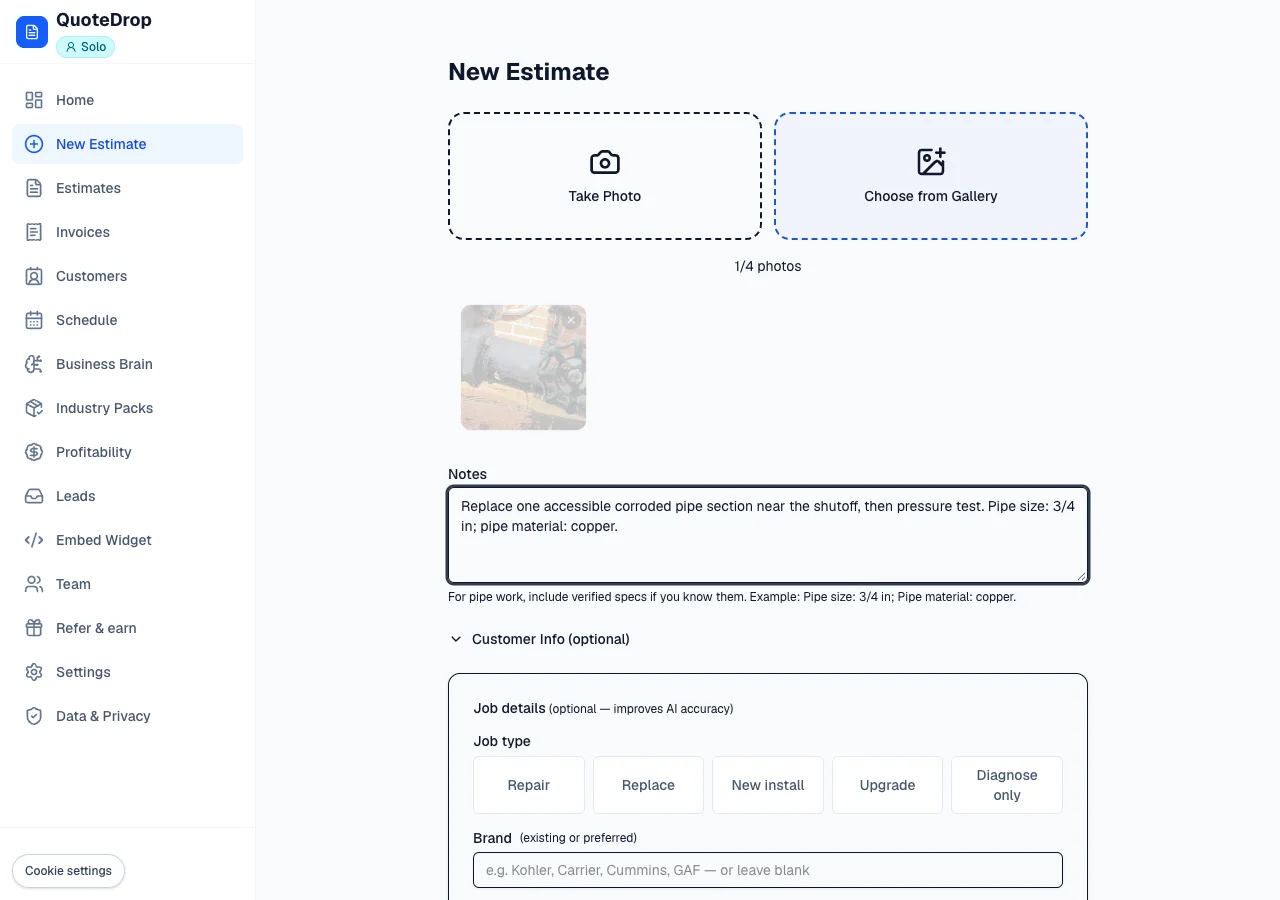
Generate an estimate with AI
Add a job photo and notes, then generate a draft with suggested scope and line items. Review the work and prices before sending.
Step 4 of 8
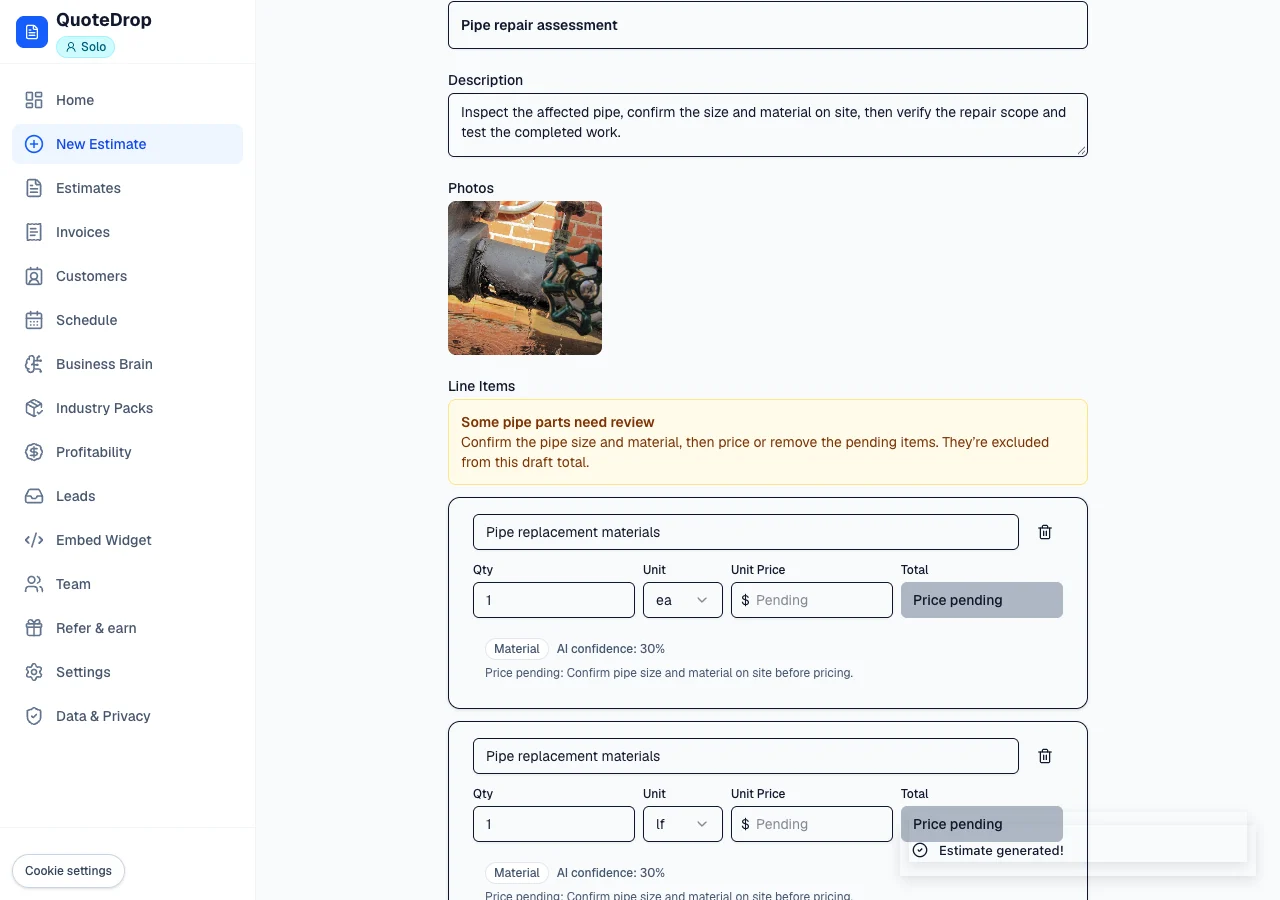
Review and edit the estimate
Adjust the line items, quantities, and prices for the work. The estimate reflects your edits.
Step 5 of 8
Get the customer’s signature
Share the estimate link. The customer can review and sign on their phone, and the approval is recorded with the estimate.
Step 6 of 8
Print or save a PDF
Open the print view to print the signed estimate or save it as a PDF for your records or your customer.
Step 7 of 8
Convert the estimate to an invoice
This test example shows an invoice created from an approved estimate. New invoices from estimates are temporarily unavailable.
Step 8 of 8
Collect payment
This example uses a Stripe test payment. Online customer payments, including deposits, are temporarily unavailable.
Ready to see it for yourself?
Explore a sample estimate or compare plans for creating your own.